
Lutron RA3 vs Caseta is the first decision to make if you’re planning smart lighting with Lutron. RA3 is short for RadioRA 3, and both systems let Lutron dimmers, switches and remotes talk to each other over Lutron’s own wireless signal instead of your home Wi-Fi. They suit very different projects, though, and the wrong pick can mean extra installation costs or parts that won’t carry over later.
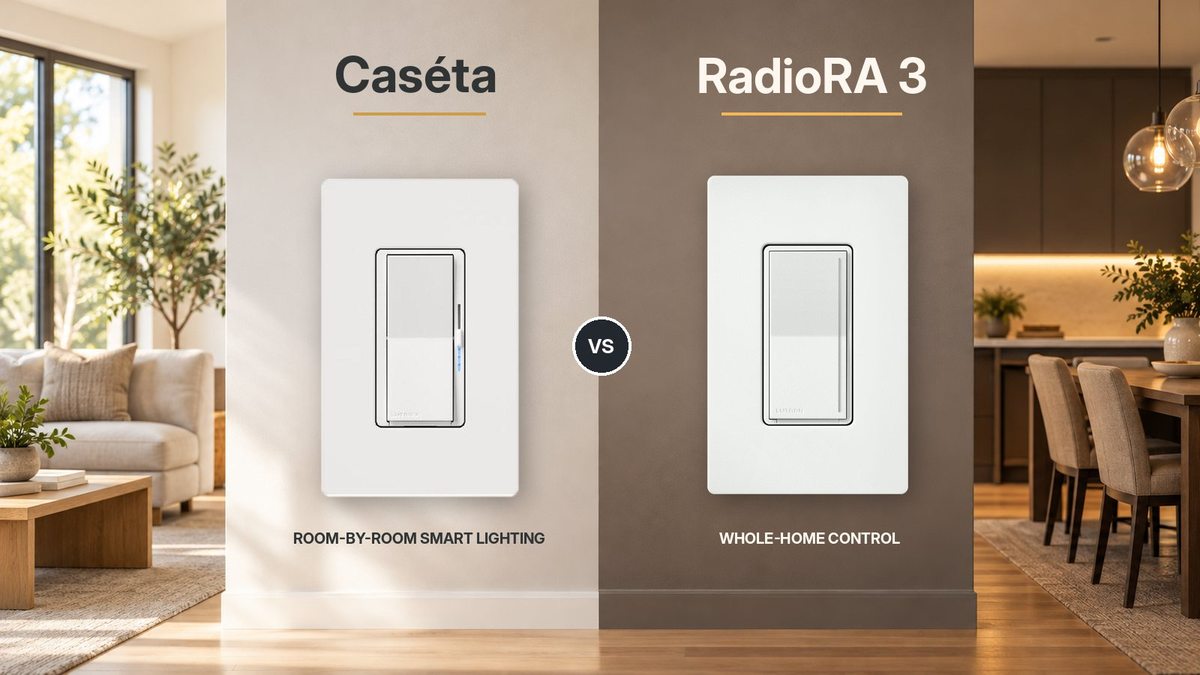
Choose Lutron Caséta for affordable smart lighting you can set up one room at a time. Choose RadioRA 3 for a larger, more customized system that a Lutron trained installer designs and programs. The right choice has less to do with how many switches you want today and more to do with what you want your home to do down the road.
While you compare, you can browse Lutron Caséta smart dimmers and switches and Lutron RadioRA 3 controls at PROLIGHTING.
In This Guide
- Lutron RA3 vs Caseta at a glance
- What is Lutron Caséta?
- What is Lutron RadioRA 3?
- 7 key differences
- Which Lutron system should you choose?
- What about Lutron HomeWorks?
- Before you order: a quick checklist
- Frequently asked questions
Lutron RA3 vs Caseta at a Glance
| Feature | Lutron Caséta | Lutron RadioRA 3 (RA3) |
|---|---|---|
| Best for | Individual rooms, renovations and simpler smart homes | Custom whole home projects and advanced control |
| System setup | Set up by the homeowner or an electrician in the Lutron app | Programmed by a Lutron trained installer in Lutron Designer software |
| Maximum system size | 75 devices per Smart Hub (the hub counts as one) | About 200 devices per processor, and roughly 390 in the largest systems with multiple processors |
| Typical controls | Original Caséta, Diva Smart and Claro Smart dimmers and switches, plus Pico remotes | Sunnata RF dimmers, switches and keypads, compatible RadioRA 2 and RA2 Select devices, plus Pico remotes |
| Controller | Caséta Smart Hub or Smart Hub PRO | RadioRA 3 processor on a wired network connection |
| Shades and specialty lighting | Serena shades, plus Triathlon and select Sivoia QS Wireless shades with the Smart Hub PRO | A broader lineup of Lutron shades, plus Lumaris tape light |
| Upfront investment | Generally lower | Generally higher, including design and programming labor |
| Can you mix their smart dimmers? | No. Caséta dimmers and switches do not join a RadioRA 3 system | No. RadioRA 3 only works with its own devices and compatible legacy Lutron devices |
What Is Lutron Caséta?
Lutron Caséta is Lutron’s easiest way into smart lighting. You can start with a single dimmer, expand to a few rooms and keep adding devices over time without planning the whole house up front.
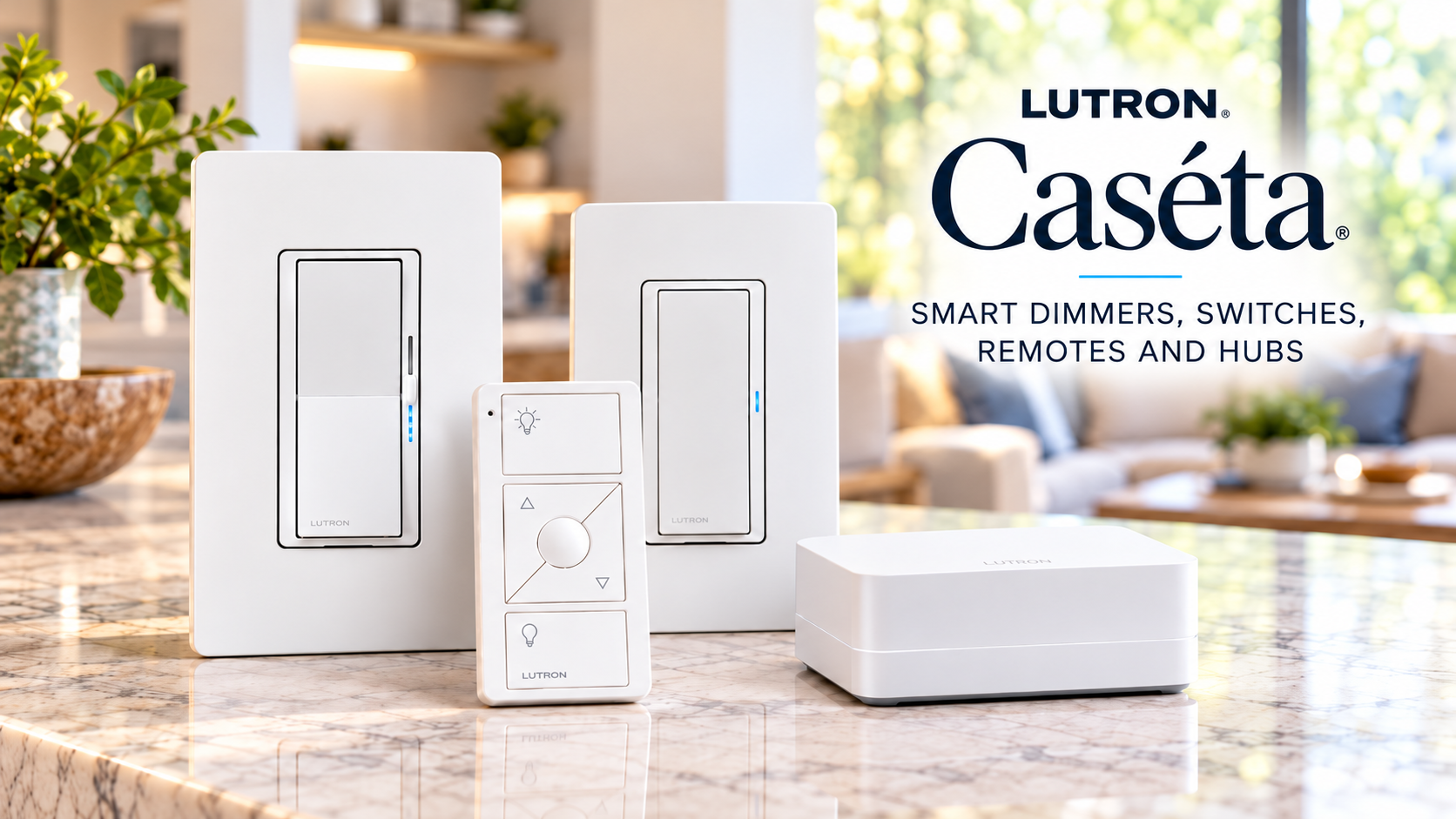
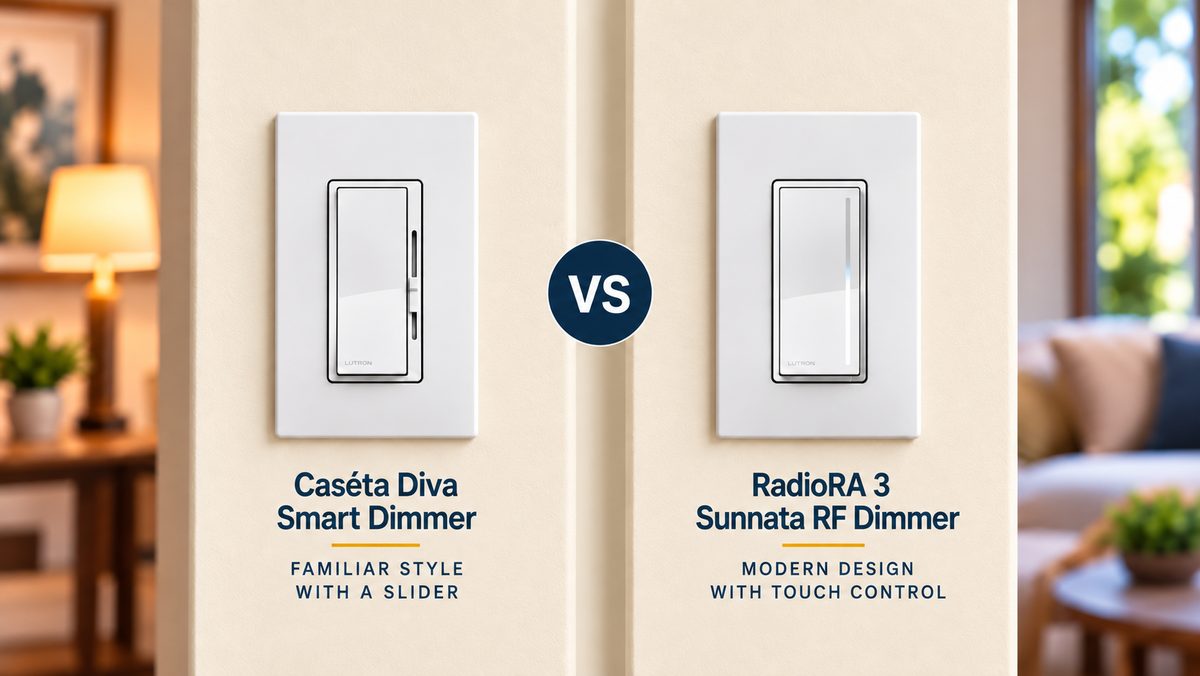
The Caséta lineup includes smart dimmers, switches, lamp dimmers that plug into an outlet, fan controls, motion sensors and Pico wireless remotes. The Caséta Diva Smart Dimmer is a favorite if you like a familiar paddle switch and slider, and it does not need a neutral wire. The Caséta Claro Smart Switch gives you matching on/off control, but it does require a neutral.
Caséta dimmers work at the wall on their own, and Pico remotes can pair directly with them, no hub needed. For app control, scenes, schedules and voice assistants, you need a Caséta Smart Hub. The Smart Hub PRO adds support for Triathlon and select Sivoia QS Wireless shades, plus integration with professional control and security systems. If you don’t need those extras, the standard Smart Hub does everything else.
Caséta devices should be within about 30 feet of the Smart Hub. If some rooms are farther away, a Caséta Wireless Repeater (PD-REP-WH) extends the range.
What Is Lutron RadioRA 3?
Lutron RadioRA 3 is a professionally programmed lighting and shade control system for larger homes, major renovations and new construction.
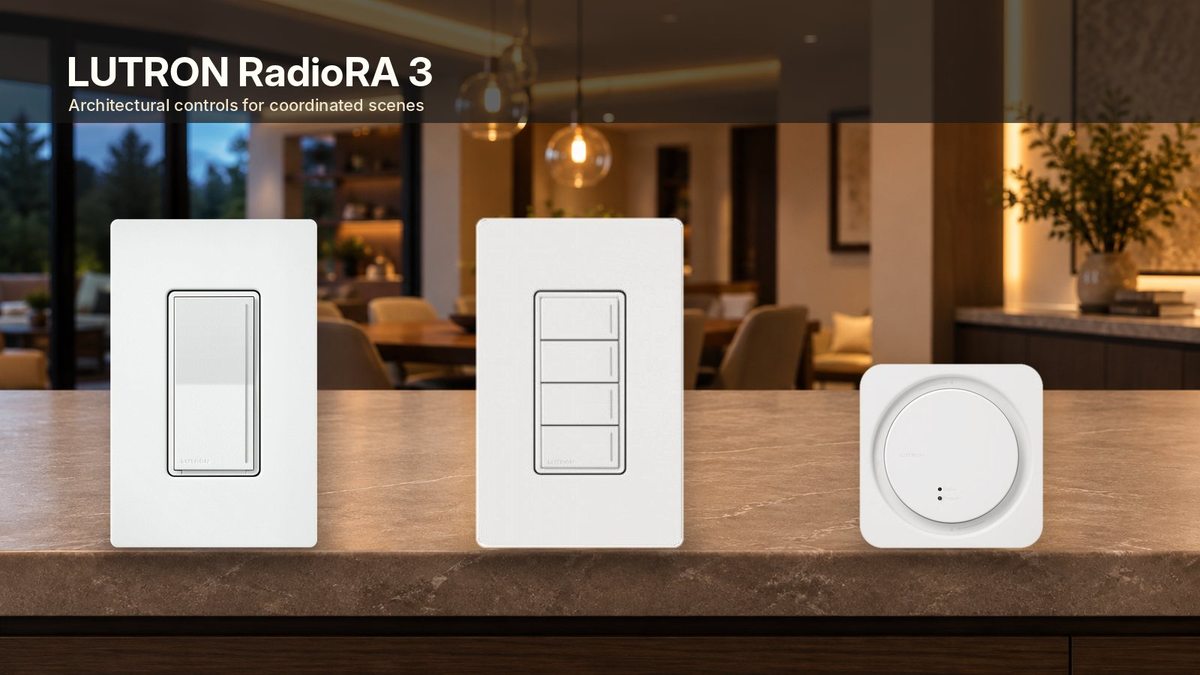
The Sunnata PRO LED+ RF Touch Dimmer is the signature RadioRA 3 control. A rocker turns the lights on and off, and a touch light bar lets you swipe or tap to set the brightness. It requires a neutral wire, and you can add up to four Sunnata companion dimmers to control the same lights from up to five locations. A Sunnata keypad with four buttons can recall programmed scenes across several rooms at once.
Every RadioRA 3 system needs a RadioRA 3 processor on a wired network connection, plus programming in Lutron Designer software. Lutron only gives Designer access to people who complete its RadioRA 3 qualification training, so in practice a trained installer sets up the system. After that, homeowners use the Lutron app to adjust scenes, schedules and other everyday settings.
Buying RadioRA 3 dimmers or a processor doesn’t give you a working system. Line up a qualified RadioRA 3 installer before you buy equipment for a new project.
7 Key Differences Between RadioRA 3 and Caséta
1. Installation and programming
Caséta is the simpler starting point. Setup happens in the Lutron app, so a homeowner or electrician can add smart dimmers a few at a time. As with any wiring project, installation must follow local electrical codes and the product instructions.
RadioRA 3 is a professional system. Most wall controls install in standard electrical boxes, but Lutron designed the system to be programmed by trained installation professionals. In return you get much finer control over room groupings, keypad buttons, scenes and connections to other systems.
2. Home size and future expansion
Caséta supports up to 75 devices per Smart Hub, and the hub itself counts as one. Claro Smart Accessory Switches don’t count toward the limit. That covers plenty of homes, but if you want control in every room, outdoor lighting, shades and future additions, you could hit the ceiling.
RadioRA 3 handles much larger projects. Each processor supports up to 100 Sunnata and other newer RadioRA 3 devices plus about 95 compatible RadioRA 2 and RA2 Select devices. A system can use up to four processors, but Lutron caps the total at roughly 200 newer devices and 190 legacy devices. More capacity alone doesn’t make it the better buy, but it matters on bigger homes.
3. Dimmer style, wall controls, colors and keypads
Caséta offers original Caséta controls plus the popular Diva Smart and Claro Smart designs. Pico remotes add control where running new wire would be difficult.
RadioRA 3 offers Sunnata RF dimmers, switches and keypads, works with compatible Maestro and seeTouch controls from RadioRA 2 and RA2 Select, and comes in a much wider range of finishes. Say you want an entryway keypad with Welcome, Dinner and Good Night buttons. RadioRA 3 gives your installer much more room to build that.
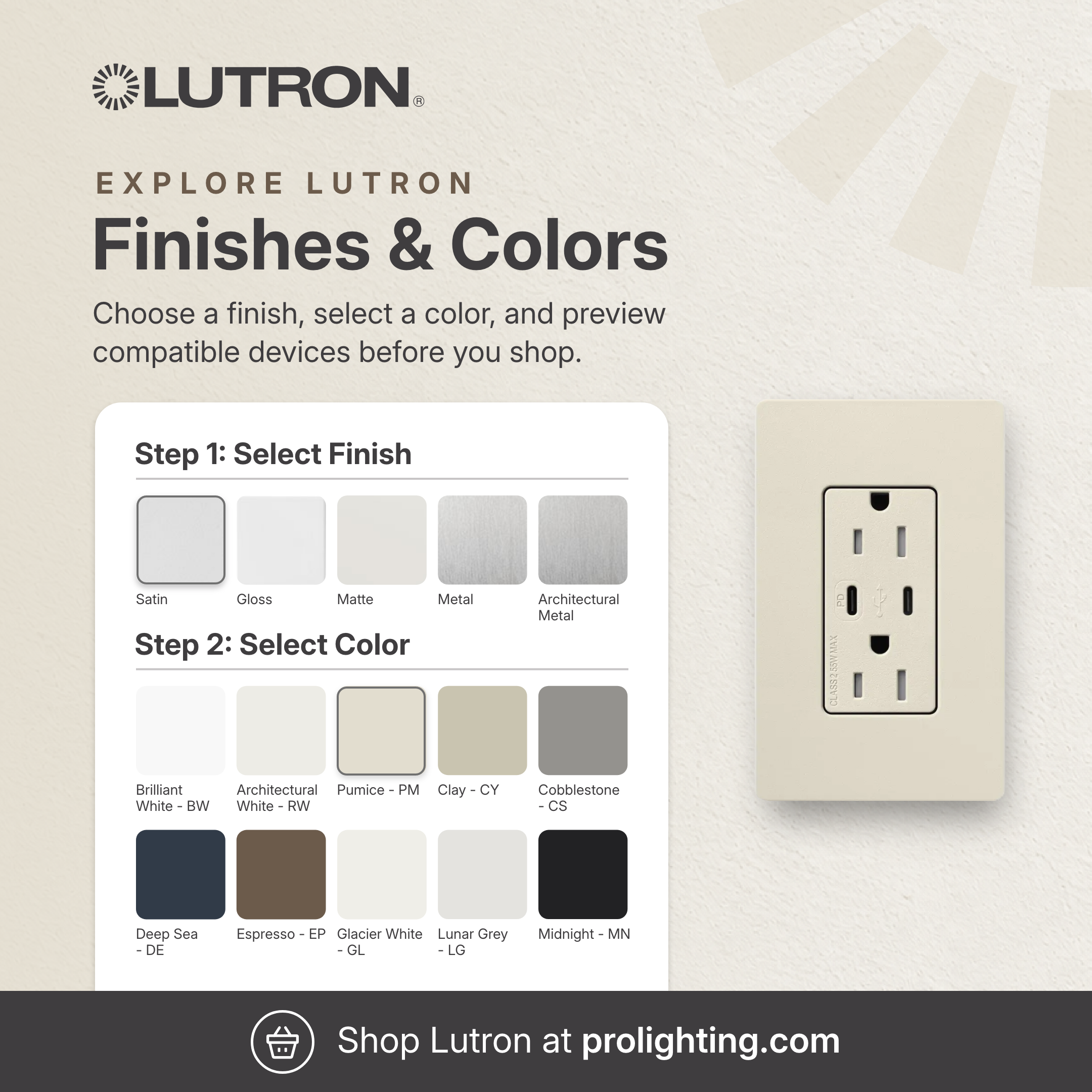
Want to see a color before you buy? Our Lutron Color Selection tool lets you pick a finish and color, preview it on a Diva or Sunnata style control, then shop that color. Not every color is offered in every model, so confirm availability on the product page. You can also browse all Lutron dimmers at PROLIGHTING.
Watch the model number. Not every Diva or Sunnata dimmer is a smart system device. A standard Diva dimmer is not a Caséta Diva Smart Dimmer, and a standalone Sunnata dimmer will not work in a RadioRA 3 system.
4. Scenes, schedules and smart home integrations
Both systems support app control, schedules and voice assistants once the hub or processor is set up and connected to the services you use.
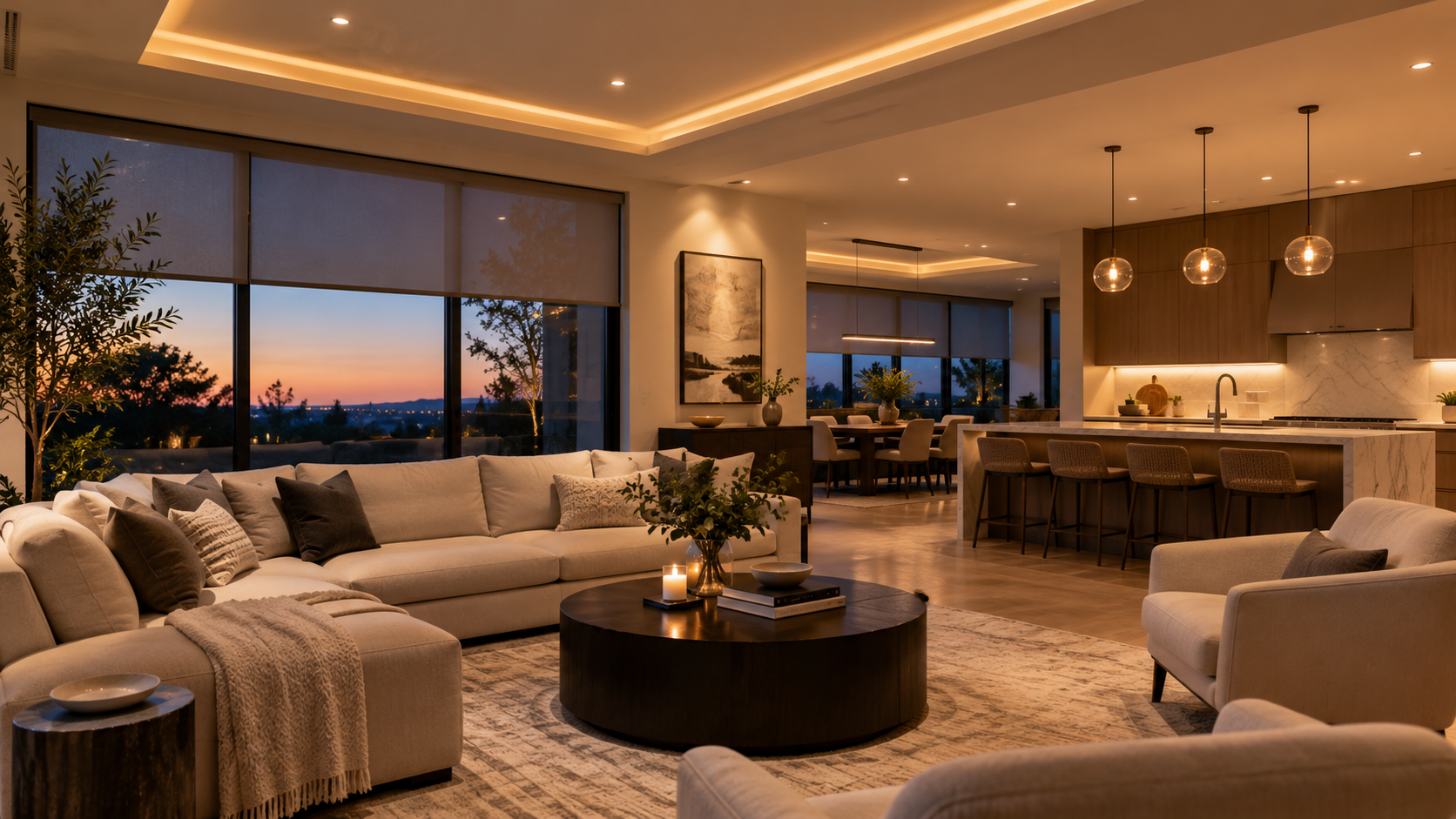
With Caséta, that might mean porch lights that turn on at sunset or a living room that dims for movie night. RadioRA 3 can coordinate bigger scenes across many rooms and connect with a wider range of professionally installed control systems.
5. Shades and specialty lighting
Caséta is a good fit for everyday lighting and Serena shades. Lutron Triathlon and select Sivoia QS Wireless shades also work with Caséta, but only with the Smart Hub PRO.
RadioRA 3 supports a broader range of professional Lutron shades and specialty lighting. For example, Lutron’s Lumaris tape light can be part of a RadioRA 3 design. Read our post on Lumaris color and tunable white tape light.
6. Compatibility, wiring and upgrading
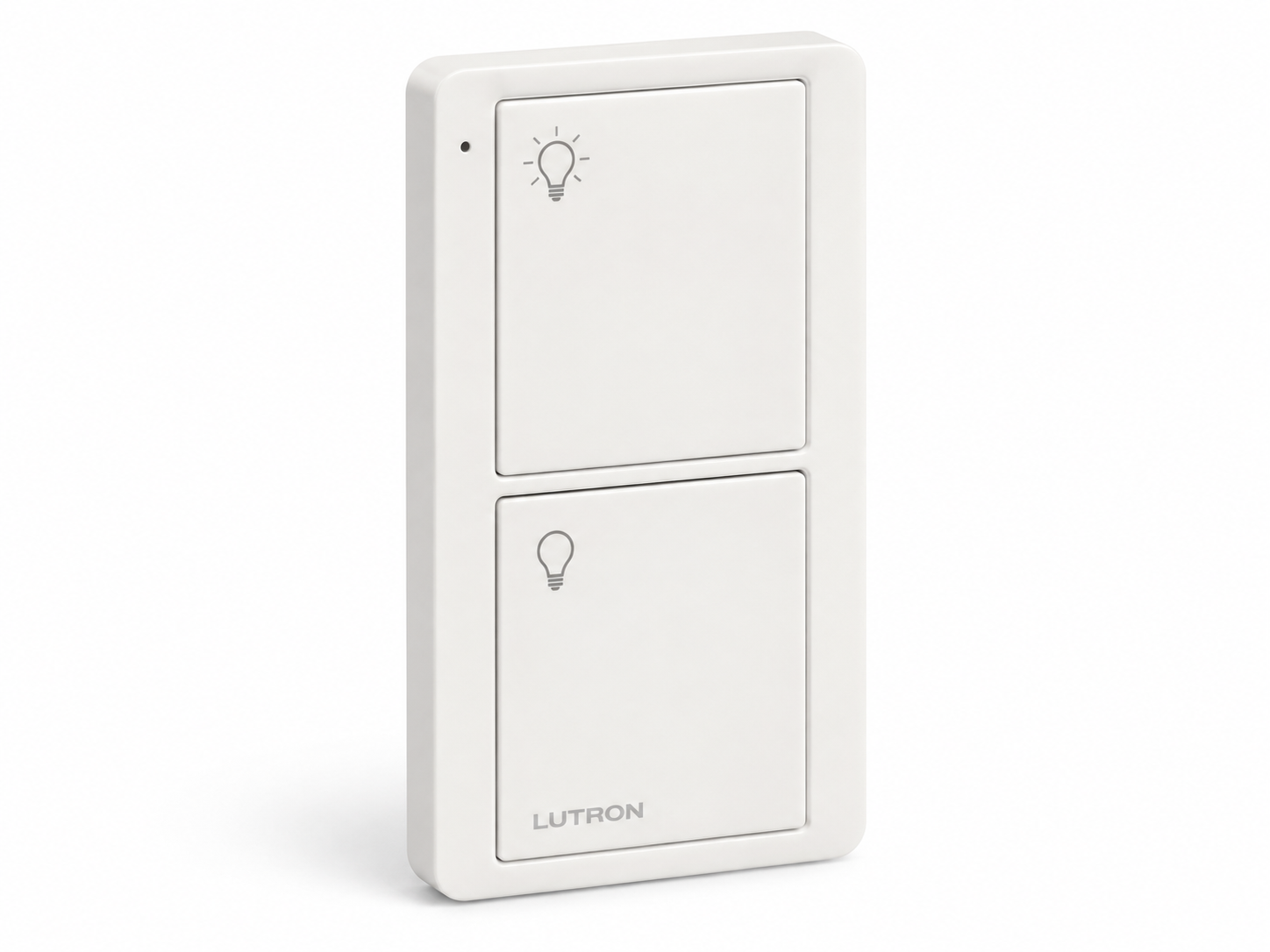
Caséta smart dimmers and switches do not transfer into a RadioRA 3 system. Both use the Lutron app, but they are separate systems. Pico remotes are the exception, since many models work with both, but that doesn’t make the rest of your Caséta controls compatible.
If you already own RadioRA 2 or RA2 Select equipment, RadioRA 3 can reuse most of those devices, with some exclusions. That makes upgrading an older RadioRA system much easier than replacing a Caséta installation.
Whichever system you choose, confirm neutral wire requirements, load type (LED, ELV or MLV) and wattage ratings before you buy.
7. Overall project cost
Caséta usually wins on upfront cost. The parts cost less, there’s no professional programming fee, and you can start with one or two rooms instead of committing to a full home plan.
RadioRA 3 is a bigger investment. Along with wall controls, your plan may include a processor, keypads, specialty devices and labor for design and programming. It makes the most sense when premium finishes, deep customization and future expansion are top priorities.
Which Lutron System Should You Choose?
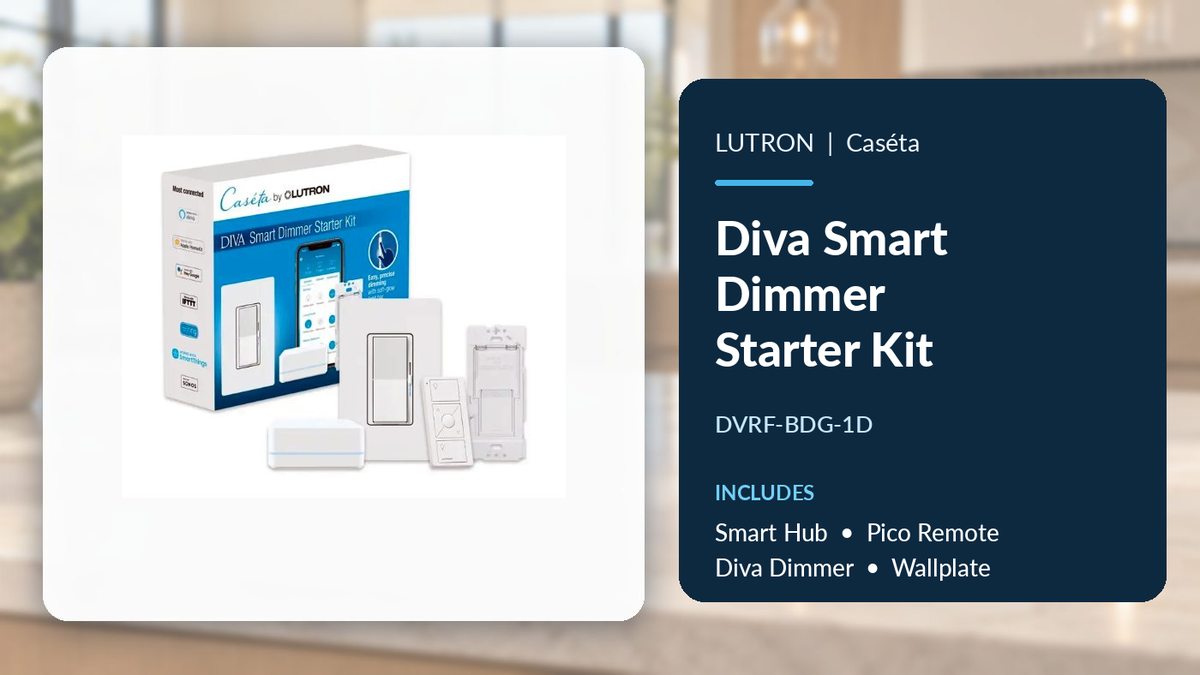
Choose Caséta if: You’re updating a kitchen, bedroom, living room or smaller home, want smart dimming and schedules, prefer a system you can set up yourself or need to upgrade switches gradually. Start with our Caséta controls and starter kits, and check each kit’s contents. Not every dimmer and remote kit includes a Smart Hub, while the Diva Smart Dimmer Starter Kit comes with one.
Choose RadioRA 3 if: You’re planning a large renovation or new construction, want coordinated scenes across many rooms, love the look of Sunnata keypads and premium Lutron finishes or are working with an installer who can design and program the system. Review RadioRA 3 dimmers, keypads and processors with your installer before finalizing a parts list.
If your home may grow over time: Plan around the finished system rather than your first dimmer. Caséta can expand within its limits, but moving to RadioRA 3 later means replacing your Caséta dimmers and switches, not just swapping the hub.
What About Lutron HomeWorks?
Lutron also makes HomeWorks, its top tier whole home control platform for luxury projects. HomeWorks is not a more powerful Caséta hub or an upgraded RadioRA 3. It’s a separate system.
Lutron sells HomeWorks only through authorized Lutron Dealers, custom integrators who meet extra Lutron program requirements to design, sell, install and program it.
PROLIGHTING does not sell or distribute Lutron HomeWorks. If your plans or specs call for HomeWorks, work directly with an authorized Lutron Dealer. Caséta and RadioRA 3 products should not be ordered as substitutes for a HomeWorks design. Lutron’s Find an Installer tool lists both Dealers and Preferred Pros, so look for a Dealer if your project needs HomeWorks.
Before You Order: A Quick Compatibility Checklist
- Pick the system first. Caséta and RadioRA 3 use different dimmers, hubs or processors and setup requirements.
- Confirm the exact model number. “Diva” or “Sunnata” in a product title doesn’t guarantee it works with a smart system.
- Check your wiring. Verify neutral wires, LED and low voltage load ratings and multiple location wiring against the spec sheet.
- Plan the hub or processor. Caséta needs a Smart Hub for app control and automation. RadioRA 3 needs a processor, a wired network connection and a trained installer.
- Pick your color. Preview finishes in the Lutron Color Selection tool, then confirm the color is offered for your exact model.
- Think about future rooms and shades. Know roughly how many devices you’ll want.
Lutron RA3 vs Caseta FAQs
Is RadioRA 3 better than Caséta?
Not for everyone. RadioRA 3 is built for larger, professionally customized projects. Caséta is often the more practical choice for reliable smart lighting in a few rooms.
Do I need a hub for Lutron Caséta?
Not for basic operation of Caséta dimmers and paired Pico remotes. You do need a Caséta Smart Hub for the Lutron app, scenes, schedules and connections to voice assistants and other smart home devices.
Should I get the Caséta Smart Hub or the Smart Hub PRO?
For most homes, the standard Caséta Smart Hub is all you need. Choose the Smart Hub PRO if you plan to add Triathlon or select Sivoia QS Wireless shades, or if an integrator is connecting Caséta to a professional control or security system. Both hubs support the same 75 device limit and the same Caséta dimmers and switches.
Can I use Caséta switches with RadioRA 3?
No. Caséta smart dimmers and switches are not RadioRA 3 devices. Many Pico remotes work with both systems, but confirm the specific model and setup.
Is every Diva or Sunnata dimmer a smart dimmer?
No. Standard Diva dimmers are not part of Caséta, and standalone Sunnata dimmers are not part of RadioRA 3. Look for the Caséta Diva Smart Dimmer (DVRF models) or Sunnata RF models (RRST) if you want them in a smart system.
Does RadioRA 3 require professional installation?
Lutron designs RadioRA 3 to be programmed by trained installation professionals using Lutron Designer software, which is only available after completing Lutron’s RadioRA 3 training. An electrician familiar with your local code should handle the wiring.
Do these systems need Wi-Fi to work?
No. Lutron wall controls talk to each other using Clear Connect, not your home Wi-Fi. Your network is still needed for the app, remote access and smart home integrations.
Can I buy HomeWorks from PROLIGHTING?
No. PROLIGHTING does not sell or distribute HomeWorks. For a HomeWorks project, contact an authorized Lutron Dealer.
Shop Lutron Caséta and RadioRA 3 at PROLIGHTING
For most people upgrading existing rooms, Caséta is the easier and more affordable way into Lutron smart lighting. For homeowners planning a fully coordinated, professionally designed system, RadioRA 3 is the stronger long term fit.
Match the system to your wiring, your room count and whoever is doing the install. Compare Lutron Caséta and Lutron RadioRA 3 at PROLIGHTING, request a quote for larger projects, or contact our lighting specialists if you need help finding compatible products before you order.
Published October 2026

Comments are closed.